Style selection
Start with the context for the image: professional, social, or another use.
Generate a photoshoot
Choose a style, provide consented reference photos, and generate images with an explicit result and recovery flow.
10–50
Photoshoot images/day (Free → Pro)
1 selfie
Starting input for a studio-style set
3+
Use cases: LinkedIn, dating, social
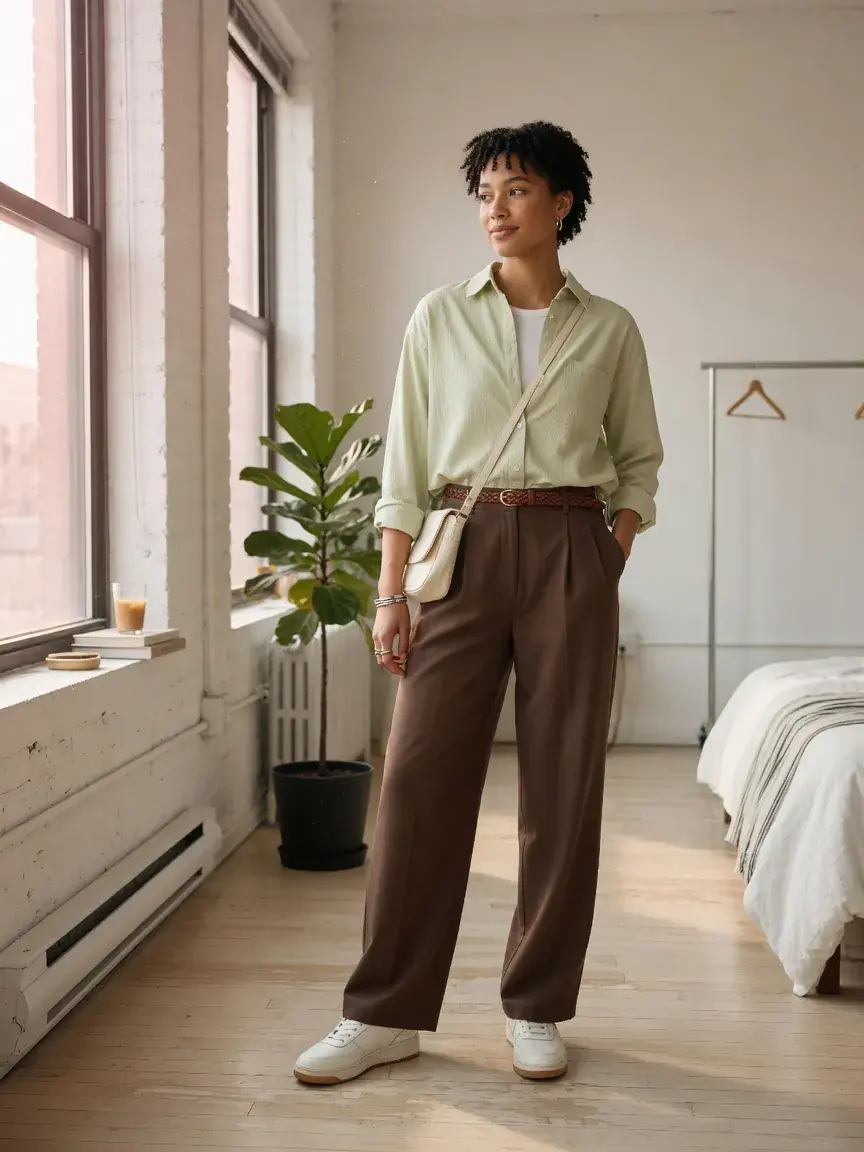
Use your photos, wardrobe, and choices to guide the flow.
Keep control of what is saved, shared, or retried.
Queued, processing, completed, and failed states stay explicit.
A focused start produces more useful results and makes review easier.
Start with the context for the image: professional, social, or another use.
Make the photo and permissions step explicit before generation.
Queued and processing states communicate work without false estimates.
Download, retry, or select another result when generation completes.
A deliberate flow from input to a next useful action.
01
Add reference photos that meet the visible guidance.
02
Choose style and any supported controls.
03
Follow actual queued or processing status.
04
Download, retry, or return to choose a different style.
In context
The result view makes the generated image, download action, and recovery paths equally easy to find.
Create an account to use this capability with your wardrobe. You can keep working while supported tasks run and return to clear results or recovery actions.
Create your free account